Product Development
Jewelry CAD Approval Checklist Before Sampling
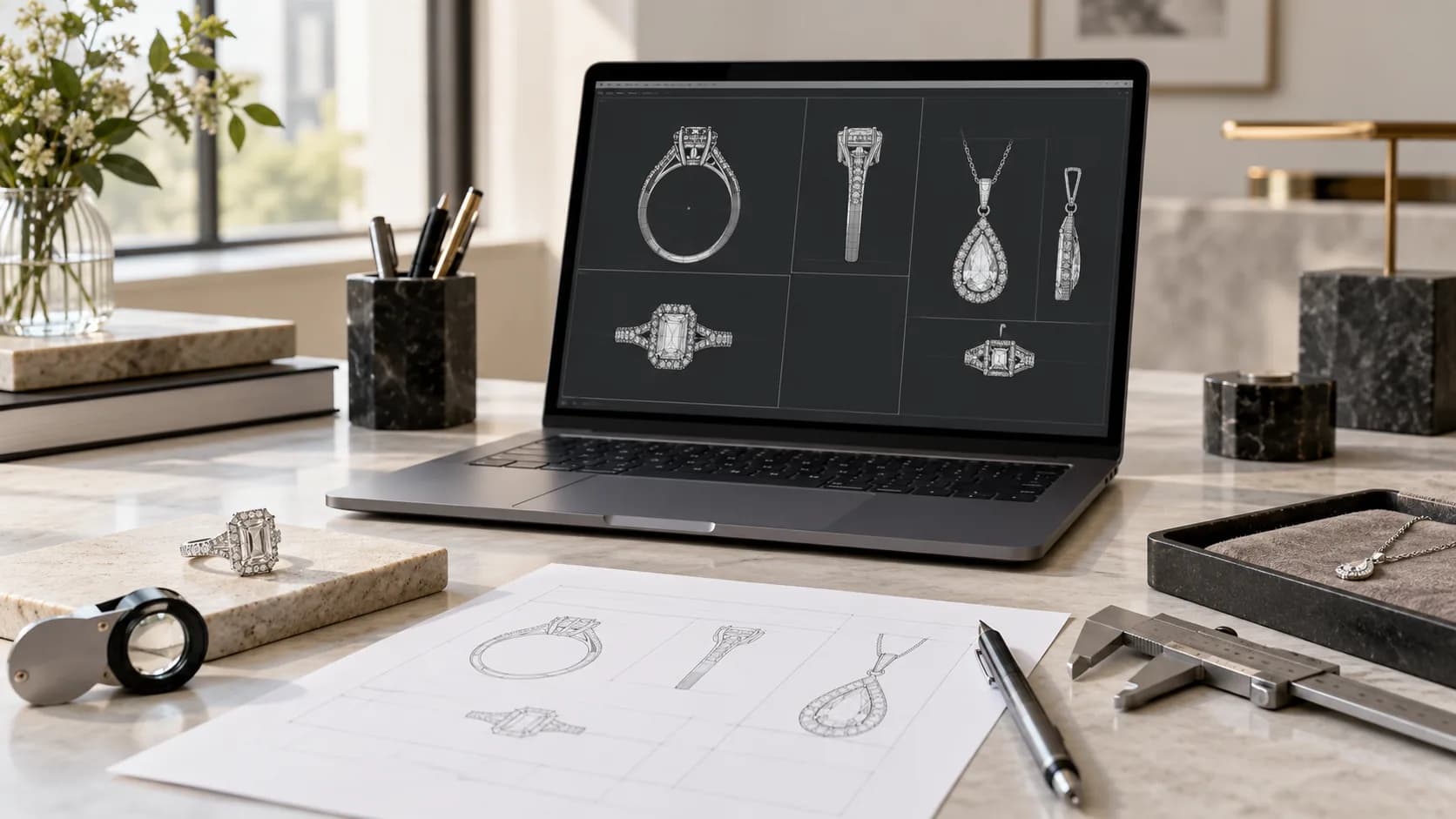
A polished jewelry render can make a design feel finished while important sampling decisions remain unresolved. Brand buyers do not need to operate CAD software, but they do need a disciplined way to review the exact model, views, dimensions, stone layout, moving components and markings that the supplier proposes to turn into a physical sample. This jewelry CAD approval checklist separates visual preference from manufacturability review and from later sample approval. It helps founders, designers and sourcing teams issue a traceable decision—approve, revise or hold—without inventing universal thicknesses or tolerances. The result is a clearer handoff from digital design to a project-specific sample that can be assessed in the hand.
TL;DRThe short answer
Approve a named CAD revision, not an attractive render in isolation. Review front, back, side and underside views; critical dimensions and fit; stone seats and settings; clasps, hinges, bails and moving parts; proposed wall sections; logo and engraving placement; and every open item. CAD approval authorizes the agreed next step toward a sample. It does not replace physical-sample approval or prove comfort, finish, function or production quality.
Direct answer
What should a buyer check before approving jewelry CAD for sampling?
Confirm the exact CAD revision, all necessary views, critical dimensions, wearer fit, stone and setting geometry, component connections, moving parts, proposed wall sections and logo or engraving placement. Record unresolved feasibility questions and the change log. Approve only the named next step—usually the physical sample—because a render cannot verify real comfort, finish, mechanism action or finished workmanship.
Decision summary
Key takeaways
- Name the CAD file, revision, reviewer, date and exact next step being authorized.
- Use front, back, side and underside views to review details a beauty render can conceal.
- Let the manufacturer propose process-specific thickness and feasibility decisions; do not copy universal numbers from an unrelated design.
- Check stone seats, prongs, clasps, hinges, bails, jump rings and moving parts as connected systems.
- Keep CAD approval separate from the later physical-sample and production-release decisions.
Decision boundary
What CAD approval authorizes—and what it cannot prove
CAD approval should authorize a defined next action from a named digital revision. For an early project, that may be a prototype or physical sample. Record the file or drawing identifier, revision, review date, decision and any condition that must carry into sampling. If the model is approved only for shape while a stone, clasp or engraving remains provisional, write that boundary into the decision instead of allowing the word “approved” to imply more.
A digital model can communicate geometry, component relationships and intended dimensions. It cannot by itself prove how the item feels on the wearer, how a hinge or clasp acts in metal, how the actual finish looks, how securely stones are set or how the completed piece will pass project-specific inspection. Those checks belong to the physical sample and later production-release record.
| Decision | Evidence reviewed | What it can authorize | What remains open |
|---|---|---|---|
| CAD approval | Named model, dimensioned views, component and stone layout, revision notes | The specified prototype or sample step | Actual comfort, finished appearance, mechanism action, workmanship and sample measurements |
| Physical-sample approval | Identified sample plus current drawings, specification and pack-out direction | The explicitly stated next development or production step | Any excluded tests, later changes or market-specific requirements |
| Production release | Approved sample, released specification, change log and commercial order | Bulk work against the controlled reference | Only formally approved deviations or later revisions |
Evidence: DinHuey Jewelry; BJM Jewelry; Gemological Institute of America
See the complete object
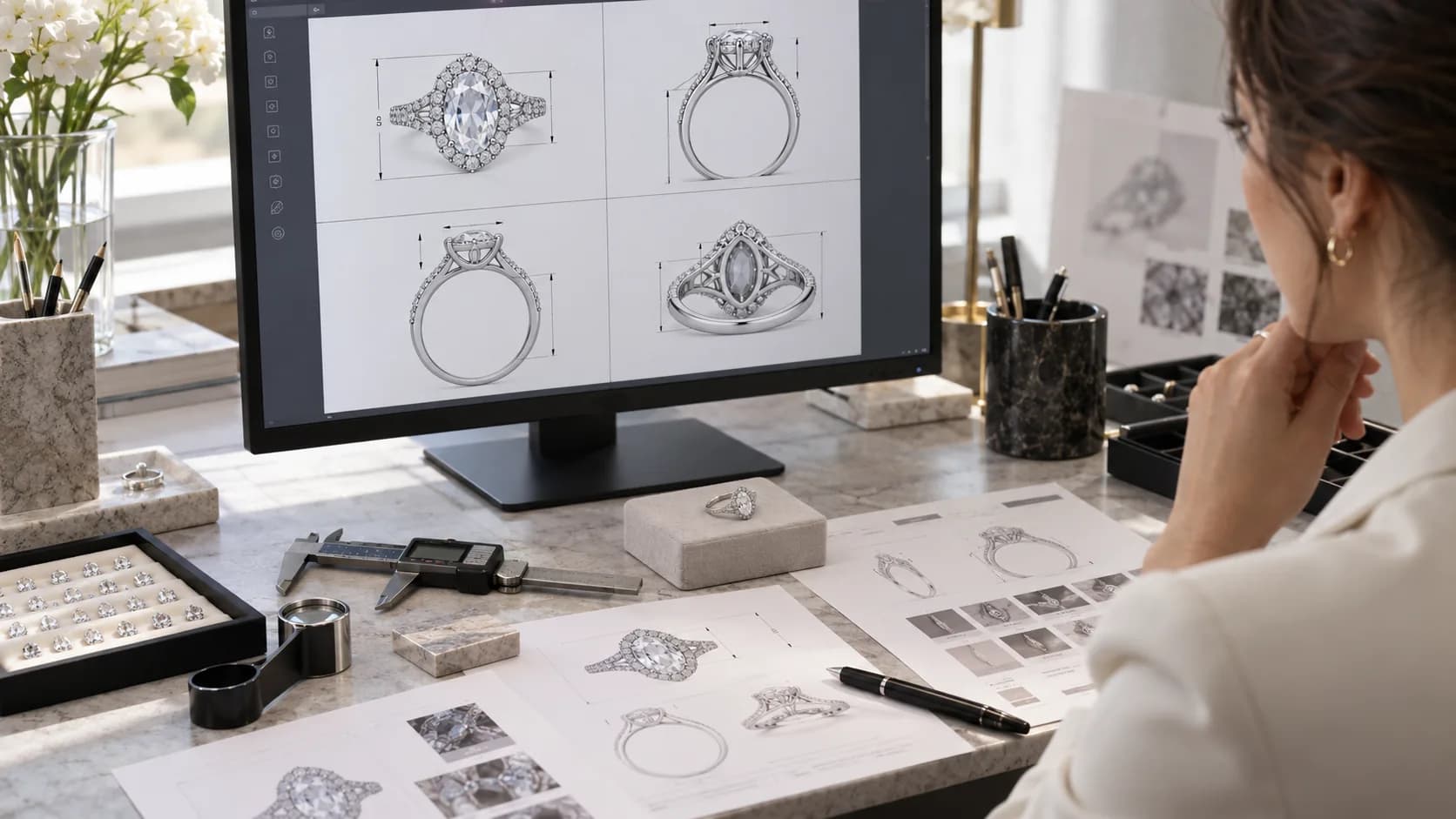
Request front, back, side and underside views before deciding
A perspective render is useful for visual direction, but it may hide the back, underside, internal opening or connection points. Ask for the views needed to understand the complete object: front and back for outline and branding; side views for height, profile and projections; underside or section views where construction, hollow areas, settings or wearer contact need explanation. A paired item should also show how the two pieces relate.
Read the dimensioned information separately from the image scale on a screen. Identify the dimensions that control wearer fit or component compatibility for this style—such as ring sizing method, internal bangle opening, chain length, earring drop, pendant scale or bail-to-chain fit. The buyer marks the intended result; the manufacturer should confirm how the design and production route can achieve it.
- Compare every view with the same revision number and product brief.
- Mark which dimensions are fixed, which are targets and which remain open for the supplier's proposal.
- Review edges, points and protrusions where the piece touches skin, clothing or an adjacent jewelry item.
- Check that the intended chain end, post, finding or paired component is represented—not only a generic placeholder.
- Ask how size variants affect the geometry rather than assuming one scaled model preserves every relationship.
Evidence: DinHuey Jewelry; GetJewelDesigns; Gem & Jewellery Skill Council of India
Geometry that must become jewelry
Review stone seats, prongs, settings and functional components
The stone plan should identify the intended stone shapes, dimensions, quantities and positions, plus which information is provisional. Review how seats, prongs, bezels, channels or pavé areas relate to the actual stone plan and to surrounding metal. A later stone change can affect the setting geometry, so it should trigger review of the affected model rather than being treated as a simple substitution.
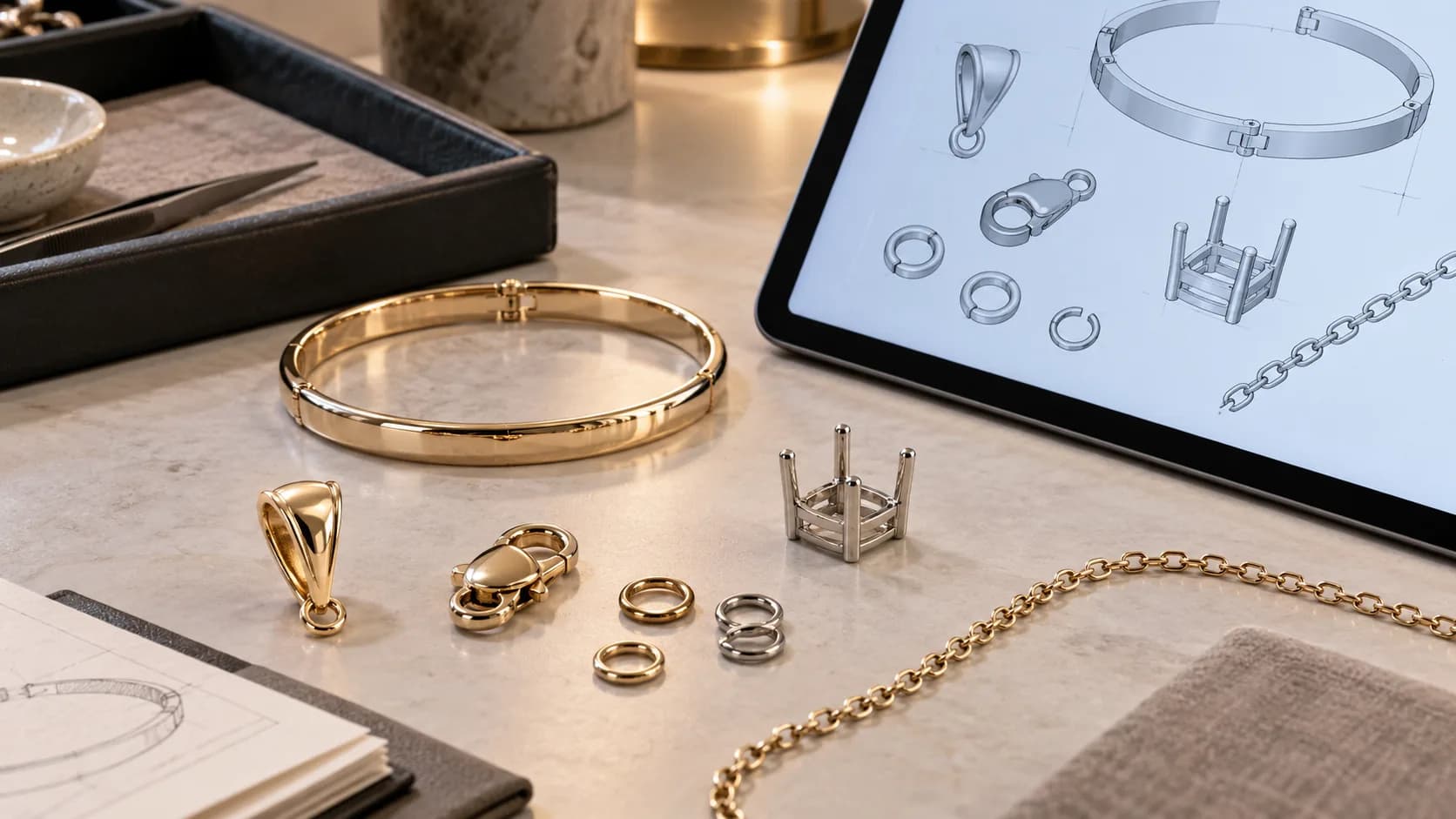
Give components the same attention. Check clasps, hinges, bails, jump rings, posts, chains and moving charms at their attachment and movement points. CAD can show the intended relationship, opening and clearance, but the sample must later confirm physical action and wearer experience. Ask the supplier to identify what will be proven digitally, what will be checked during sample making and what requires inspection on the finished sample.
Evidence: Gemological Institute of America; BJM Jewelry; DinHuey Jewelry
Manufacturer review
Discuss wall sections, production feasibility and markings without inventing universal limits
Ask the manufacturer to review wall and section thickness, support, stone-setting access, casting or printing route, assembly, polishing access and finishing needs for the actual material and design. The buyer can identify delicate-looking areas and the intended visual character, while the technical team proposes suitable geometry for its process. A number copied from another alloy, printer, setting or product category is not a reliable approval rule.
Logo, hallmark direction, engraving and other marks also need a defined location, orientation, artwork version and relationship to the finished surface. Review them in a close view and check that their placement does not conflict with a stone seat, hinge, polishing area or wearer-facing surface. Regulatory marking decisions should be confirmed for the destination market and project rather than inferred from a generic render.
| Review area | Buyer should define | Manufacturer should confirm | Carry into sample review |
|---|---|---|---|
| Wall and structural sections | Visual intent, weight or feel direction, critical areas | Proposed geometry for the actual material and process | Measured sample and any documented change |
| Stone setting | Stone plan, appearance and non-negotiable layout | Seat, prong or setting route and access | Actual stone fit, security and finished setting |
| Components | Intended use, chain or finding combination | Attachment, assembly, movement and production route | Physical fit, alignment and action |
| Surface and finish | Finish direction and visible priority areas | Polishing, plating or texturing access | Actual finish and coverage |
| Logo and engraving | Approved artwork, wording, location and orientation | Feasible scale and process proposal | Legibility, placement and finished appearance |
Evidence: Robert McNeel & Associates; Gemological Institute of America; Gem & Jewellery Skill Council of India
Change control
Make every CAD revision and approval comment traceable
A revision log prevents the buyer, designer and supplier from reviewing different versions. Give each issue one location, requested change, reason, owner and status. When a change affects an adjacent feature—such as a stone dimension changing the seat, or a logo moving into a hollow section—note the dependent review rather than closing only the visible comment.
Return one consolidated comment set where possible. The next model should state which revision it replaces and which comments were implemented, declined or remain open. Final approval should cite the exact files and images reviewed, the approved exceptions and the next work authorized. This record then follows the project into physical sampling.
1. Receive
Record the CAD filename, revision, date, product code and intended review scope.
2. Inspect
Review all required views, dimensions, fit, settings, components, sections and markings.
3. Consolidate
Issue one numbered comment log with locations, decisions, owners and dependencies.
4. Resolve
Check the revised model against every open item and record any supplier proposal.
5. Authorize
State approve, revise or hold, and name exactly which sample or prototype step may begin.
6. Transfer
Attach the approved revision and open verification points to the physical-sample brief.
Evidence: BJM Jewelry; DinHuey Jewelry; GetJewelDesigns
CAD-to-sample handoff
Prepare a Zalson CAD review for a project-specific sample
Zalson Jewelry can begin a development discussion from a sketch, reference image, CAD drawing or physical sample. Send the current product reference, intended dimensions and fit, material and finish direction, stone plan, component requirements, logo or engraving files, quantity context and destination market. Mark confirmed, preferred and open decisions so the technical review can respond to the actual project.
After the CAD decision, carry the named revision and unresolved physical checks into the sample record. The sample can then be compared with the intended views, fit, components, finish and markings before any later production release. The development route, feasibility and commercial terms are confirmed for the project rather than promised by this general checklist.
Catalog references
Related products
These real catalog products are visual and construction references for specification discussions. Their published product data is unchanged; they are not presented as the exact product used in this guide.
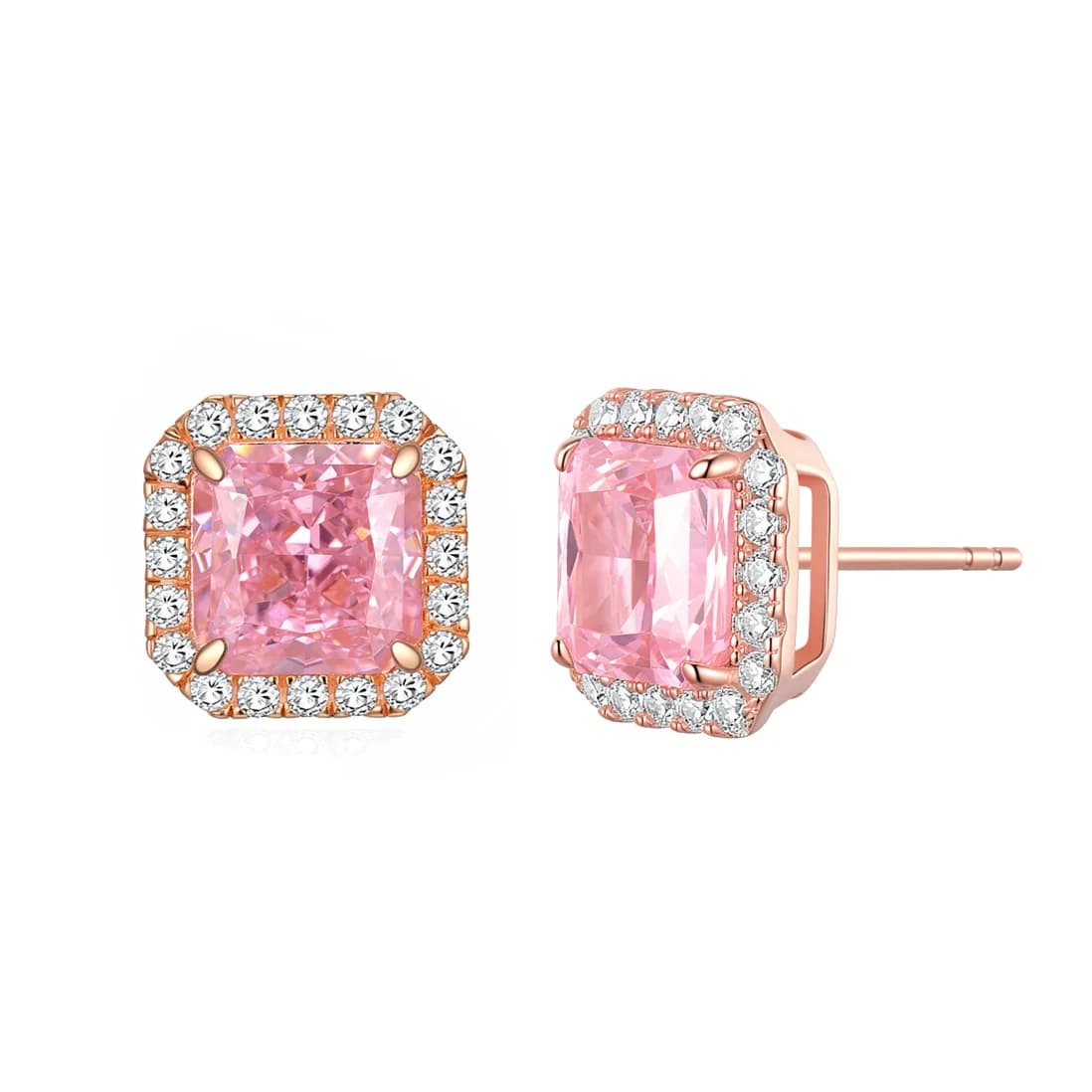
Cushion Sakura Pink Halo Rose Gold 4-Prong Studs
S925 Sterling Silver, Full Thick 18K Rose Gold Plating, Sakura Pink CZ, Round Pave CZ Halo
View product →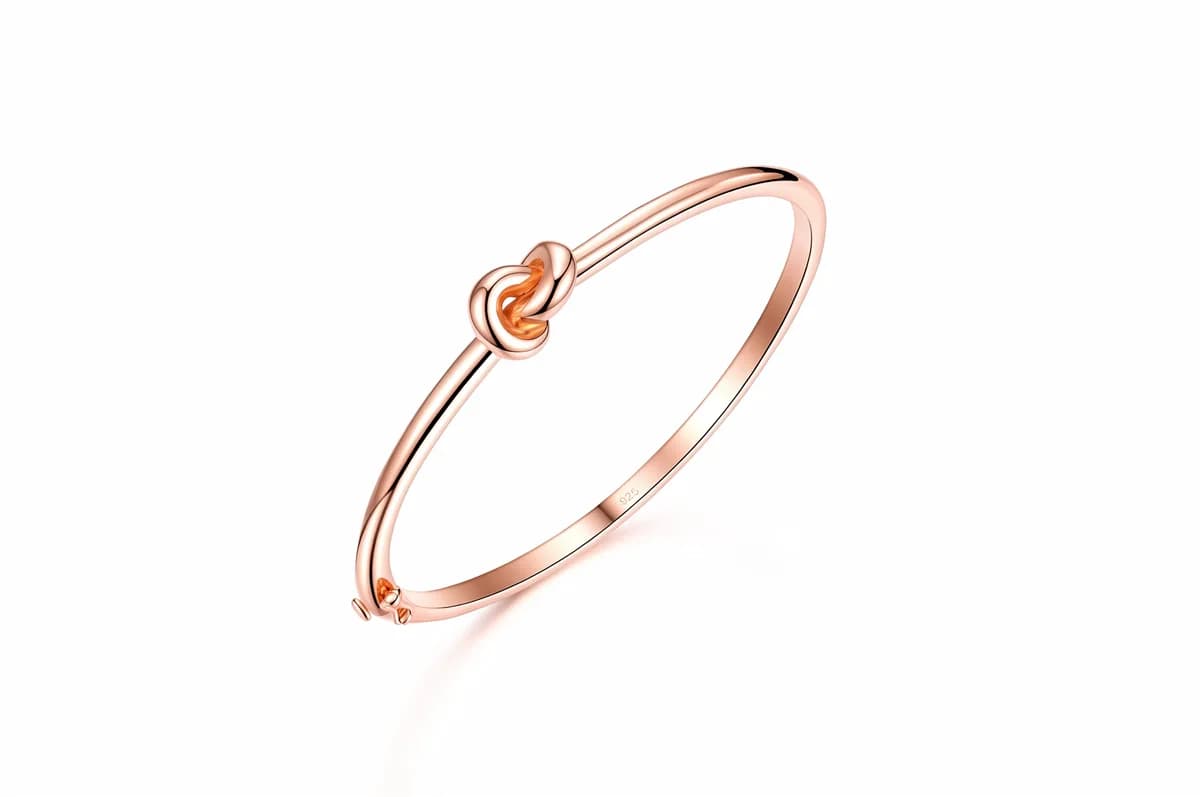
Romantic Love Knot Rose Gold Vermeil Slim Solid Sterling Silver Hinged Bangle
S925 Sterling Silver, Rose Gold Vermeil, High-Polish Finish
View product →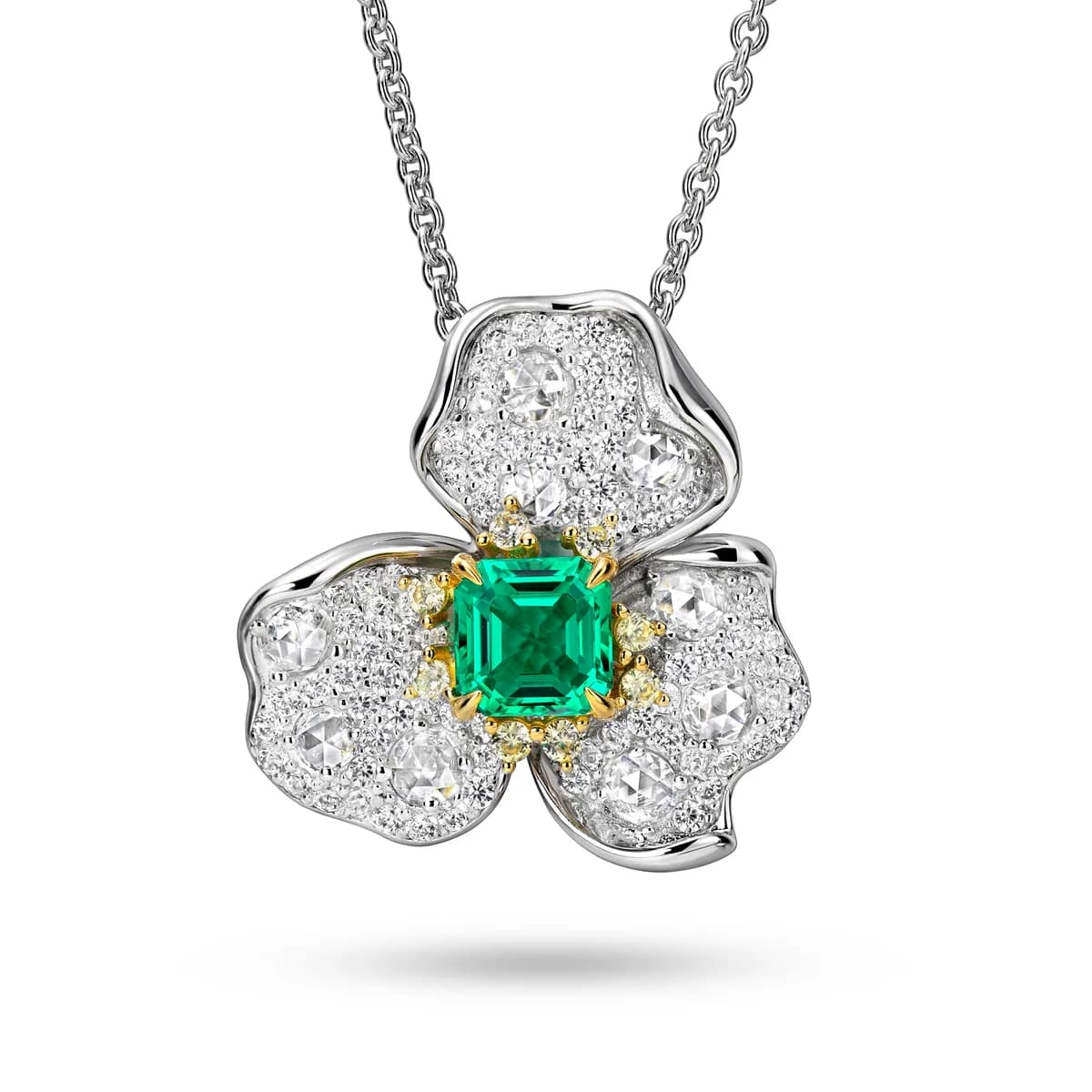
Two-Tone Micro Pave CZ Clover Emerald Pendant
S925 Sterling Silver, Dual Tone Plated, Micro Pave Full CZ Clover, Radiant Cut Emerald CZ Center
View product →FAQ
Frequently asked questions
What does jewelry CAD approval authorize?
It authorizes the next action stated in the approval record—commonly a prototype or physical sample—from the named CAD revision. It does not automatically approve bulk production or prove the real piece's comfort, finish, function, stone security or workmanship.
Which views should I request before approving jewelry CAD?
Request the views needed to understand the complete object, usually front, back, side and underside or section views where relevant. Add close views for settings, connections, moving parts, engraving and any feature hidden by a beauty render.
Should a buyer specify jewelry CAD wall thickness?
A buyer should state the intended look, feel and critical areas, then ask the manufacturer to propose and explain project-specific sections for the actual material, stone setting and process. Avoid applying a universal number copied from an unrelated design.
Does CAD approval replace physical jewelry sample approval?
No. CAD communicates proposed geometry and dimensions. The physical sample is needed to review the actual piece, including comfort, mechanism action, finished surface, stone setting, measurements, markings and other requirements defined by the project.
How should jewelry CAD revisions be recorded?
Use a revision identifier and a numbered change log that records the affected location, requested change, reason, owner, status and dependent features. The approval should cite the exact final files, accepted exceptions and next work authorized.
Expert review
Zalson Jewelry Product Development & Quality Team
Technical editorial team
Reviewed for jewelry CAD decision boundaries, sample-release workflow, packaging specifications and buyer-facing change control.
Zalson Jewelry is operated by Guangzhou Zalson Jewelry Co., Ltd., established in Guangzhou in 2017. Content is reviewed by the team rather than attributed to an individual spokesperson.
Sources and further reading
- 1DinHuey Jewelry: Jewelry CAD Approval: What a Render Can—and Cannot—Tell Your Brand ↗
- 2BJM Jewelry: Jewelry CAD and Sample Review Before Production ↗
- 3Gemological Institute of America: Comprehensive CAD/CAM for Jewelry Certificate ↗
- 4Gemological Institute of America: Avoid Stone Loss with Quality Assurance Benchmarks ↗
- 5Robert McNeel & Associates: Designing Jewelry for Manufacturing with Rhino ↗
- 6Gem & Jewellery Skill Council of India: Junior Jewellery Designer—CAD Qualification Pack ↗
- 7GetJewelDesigns: How to Write a Jewellery CAD Brief ↗
Ready to move from CAD to a controlled sample?